
Easily replace any attached image/file by simply uploading a new file in the Media Library edit view - a real time saver!

Offload Media – Cloud Storage
Hospedagem WordPress com plugin Offload Media – Cloud Storage
Onde hospedar o plugin Offload Media – Cloud Storage?
Este plugin pode ser hospedado em qualquer hospedagem que tenha WordPress instalado. Recomendamos utilizar uma empresa de hospedagem seguro, com servidores adaptados para WordPress, como o serviço de hospedagem de sites da MCO2.
Hospedando o plugin Offload Media – Cloud Storage em uma empresa de hospedagem de confiança
A MCO2, além de instalar o WordPress na versão mais nova para seus clientes, disponibiliza o WP SafePress, um mecanismo exclusivo que assegura e aumenta a performance do seu site conjuntamente.
Por que a Hospedagem WordPress funciona melhor na MCO2?
A Hospedagem WordPress funciona melhor pois a MCO2 possui servidores otimizados para WordPress. A instalação de WordPress é diferente de uma instalação trivial, pois habilita imediatamente recursos como otimização de imagens, proteção da página de login, bloqueio de atividades maliciosas diretamente no firewall, cache avançado e HTTPS ativado por padrão. São recursos que potencializam seu WordPress para a máxima segurança e o máximo desempenho.
Offload Media – Cloud Storage copies the files you upload to the WordPress Media Library to cloud storage and serves them from there. Images, videos, PDFs and other attachments load from your Amazon S3, Google Cloud Storage, Cloudflare R2 or DigitalOcean Spaces bucket, or from a CDN in front of it.
Serving media from the cloud takes load and disk usage off your web server, and a CDN delivers files from locations closer to your visitors, which can help page speed.
Supported cloud storage providers
- Amazon S3 (including buckets with ACLs disabled)
- Google Cloud Storage (including buckets with uniform bucket-level access)
- Cloudflare R2
- DigitalOcean Spaces
Features
- Automatic offloading: new Media Library uploads are copied to your bucket, including every generated image size and the original image.
- URL rewriting: media URLs in posts, pages, image srcsets and the block editor point to the cloud. Post content keeps local URLs in the database, so your content stays intact if you turn the plugin off.
- CDN support: serve files through a custom CDN or endpoint URL, such as Amazon CloudFront or a Cloudflare domain.
- Pre-signed URLs: serve files through expiring, signed URLs with a configurable lifetime.
- Save disk space: optionally remove local copies once files are in the cloud.
- Folder structure: set a base path and keep WordPress year/month folders.
- Object versioning: add a unique prefix to file paths to avoid stale CDN caches (Amazon S3, Google Cloud Storage, DigitalOcean Spaces).
- Stays in sync: edited images and regenerated thumbnails are offloaded again, and deleting media also removes it from your bucket.
- Reliable background uploads: offloading runs in a queue with automatic retries, so busy uploads and temporary provider errors do not leave files behind.
- Guided setup: a configuration wizard verifies your credentials, can create a new bucket, and lets you keep access keys in wp-config.php.
- Offload details: the attachment details screen shows each file’s provider, region and access.
- Works with WooCommerce product images and other themes and plugins that use the standard WordPress media functions.
- Translation-ready.
Pro version
Offload Media – Cloud Storage Pro adds:
- More providers: Wasabi, MinIO and other S3-compatible storage.
- Bulk tools: offload your existing Media Library, remove local copies, or download files back to your server in bulk.
- Media Library tools: an offload status column and per-file actions to sync, remove or download files.
- Image optimization: image compression with original backups, and WebP generation, offloading and delivery.
- WooCommerce: WooCommerce downloadable product files served from your bucket.
- Troubleshooting tools: connection, media and delivery checks, cache clearing, and import of data from earlier versions.
Useful links
External services
This plugin connects to the Acowebs Feedback API (https://audience.acowebs.com), run by Acowebs. Nothing is sent on activation, on page load or in the background: data is sent only after an administrator clicks a button.
- Deactivation feedback: when you deactivate the plugin, a short optional survey opens. Only if you click “Send & deactivate”, the plugin sends your answer and details, your site address, site name and language, the plugin name, edition and version, and your WordPress, WooCommerce and PHP versions. Your name and email are included only while “Acowebs can contact me about this feedback” is ticked. “Skip & deactivate” sends nothing.
- Newsletter signup: a dismissible notice on the Dashboard and the plugin’s settings page invites you to join the Acowebs newsletter. Only if you click “Subscribe”, the plugin sends the email address you entered, your first name and phone number if you filled them in, your site address and site name, and the plugin name and edition. “Not now” hides the notice for good and sends nothing.
Acowebs privacy policy: https://acowebs.com/privacy-policy/
Capturas de tela
Welcome screen
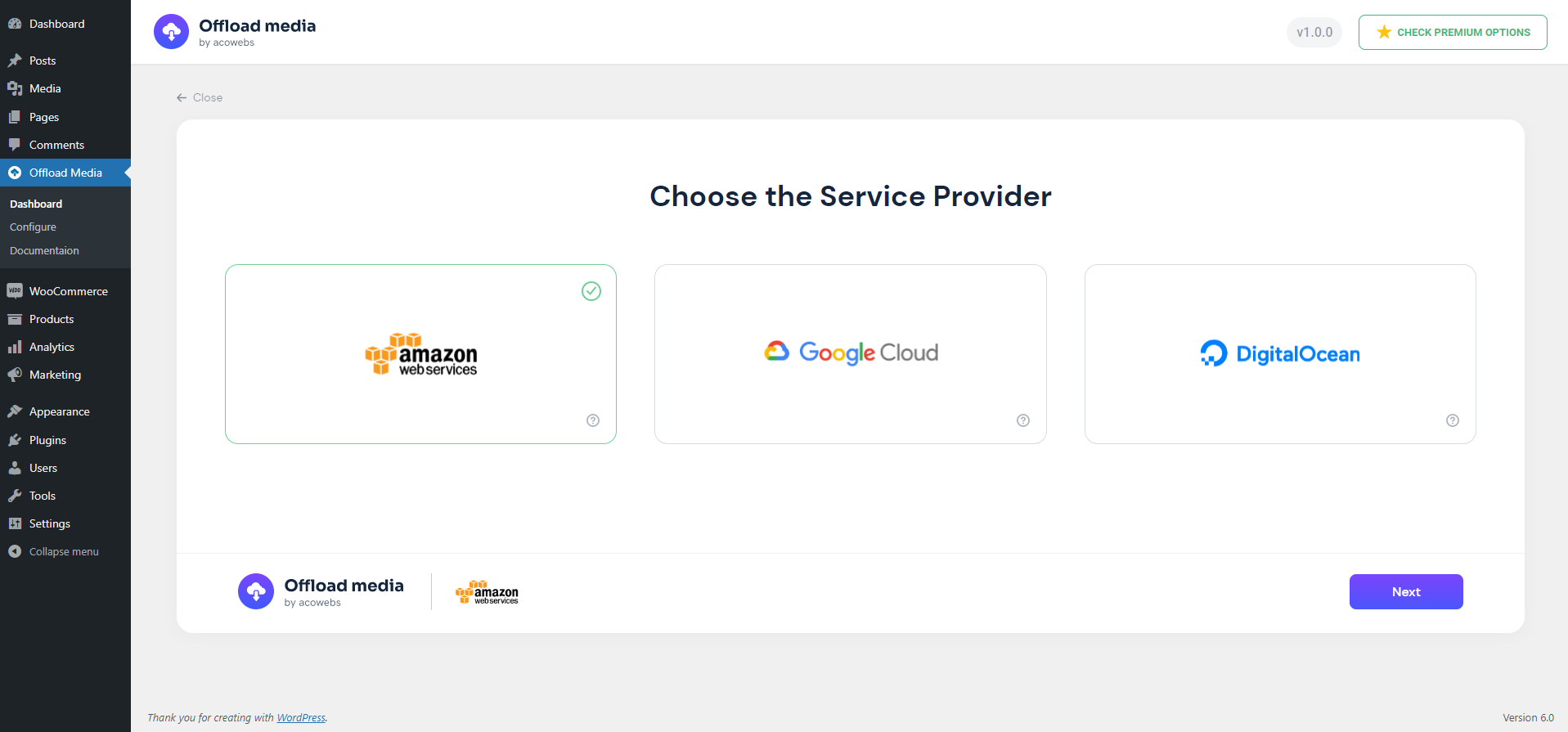
Choose a cloud storage provider
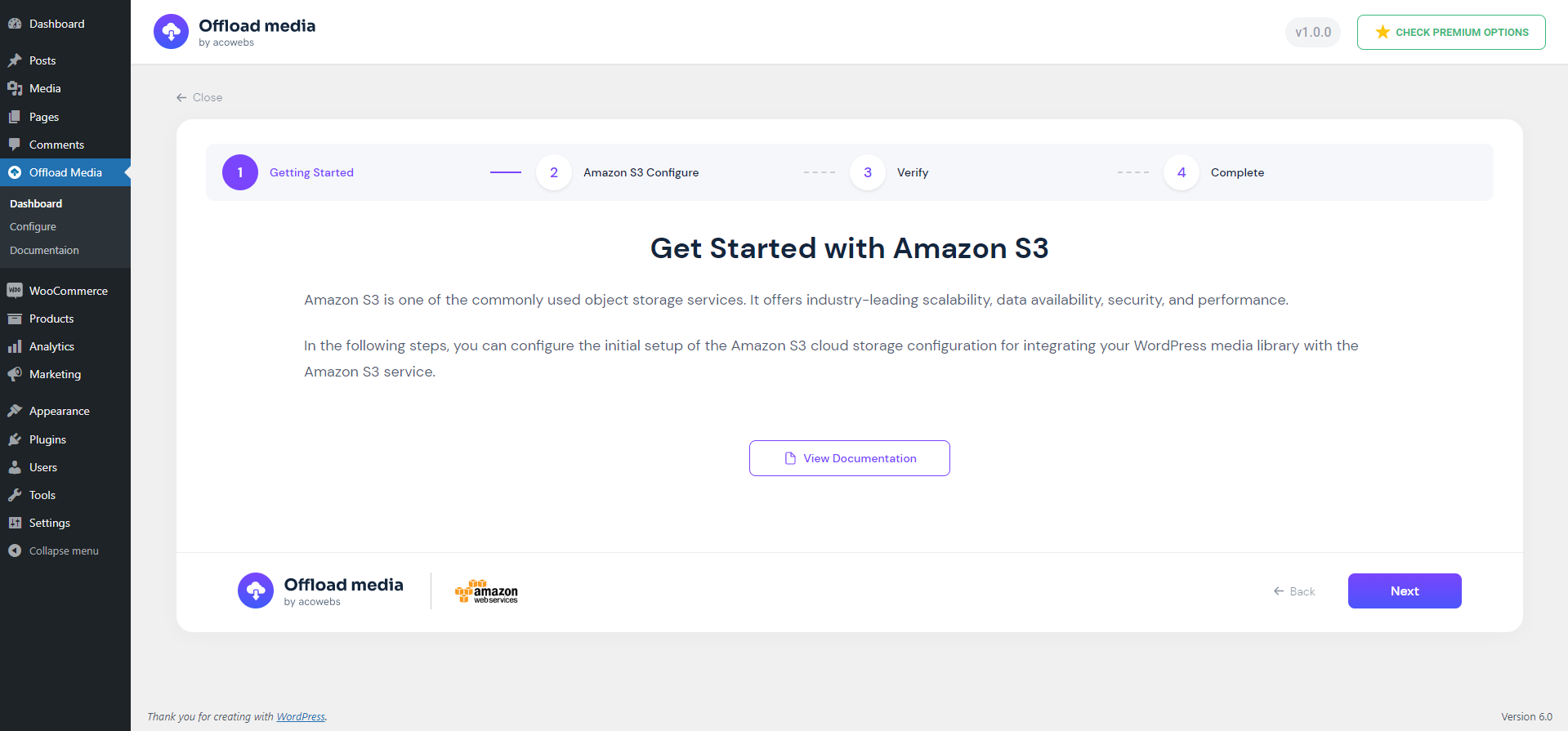
Provider setup overview
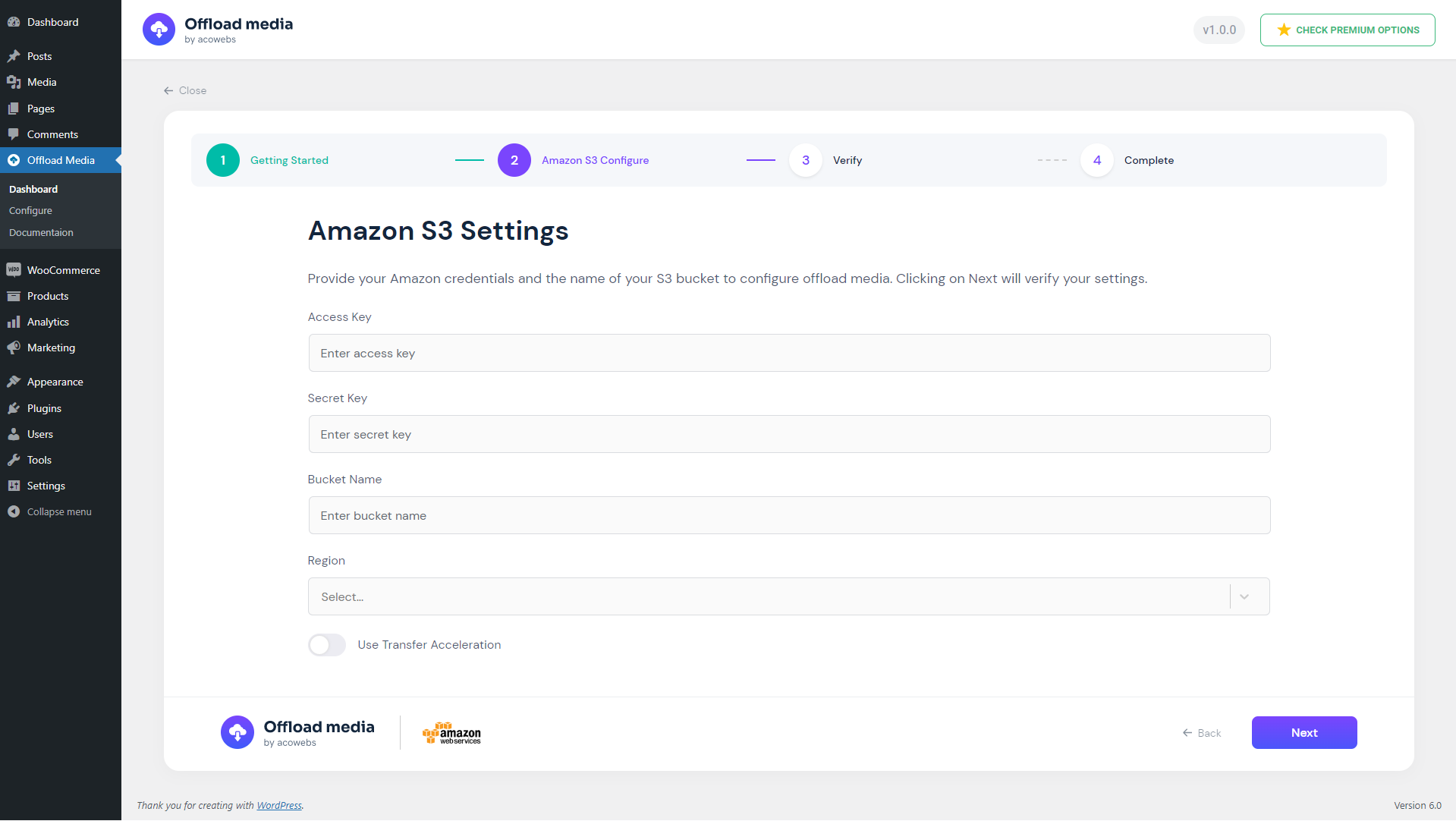
Enter cloud storage credentials
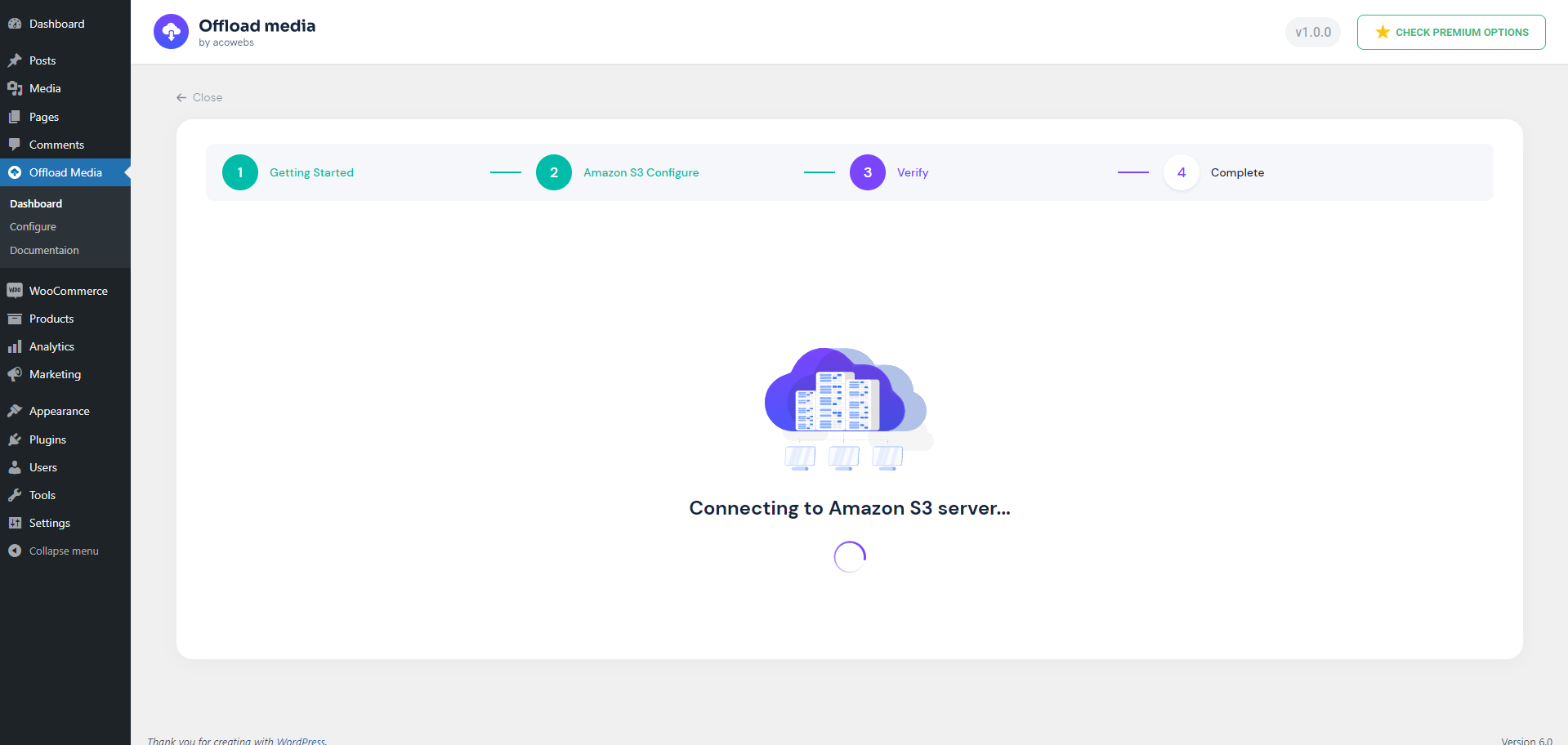
Credential verification
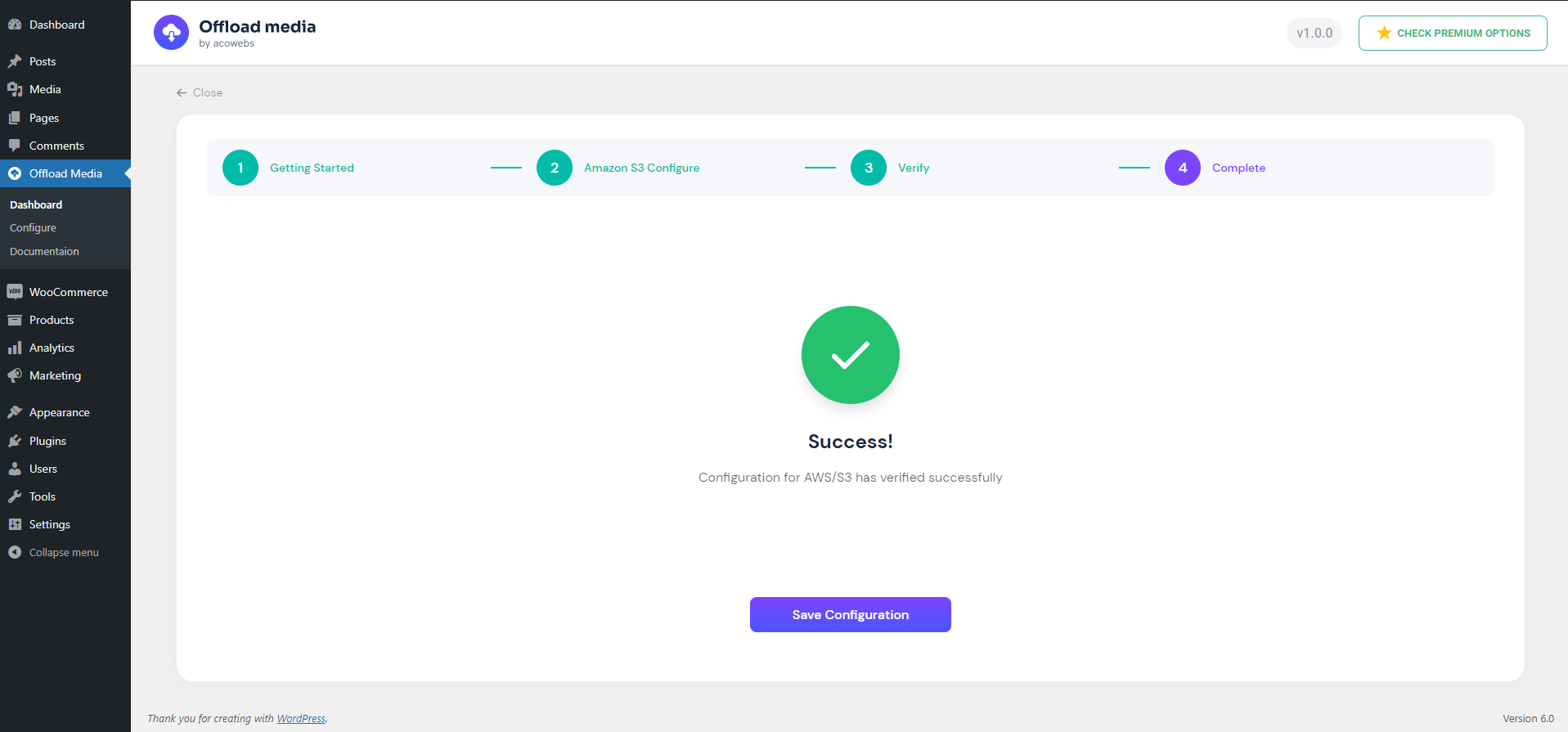
Save the configuration after successful verification
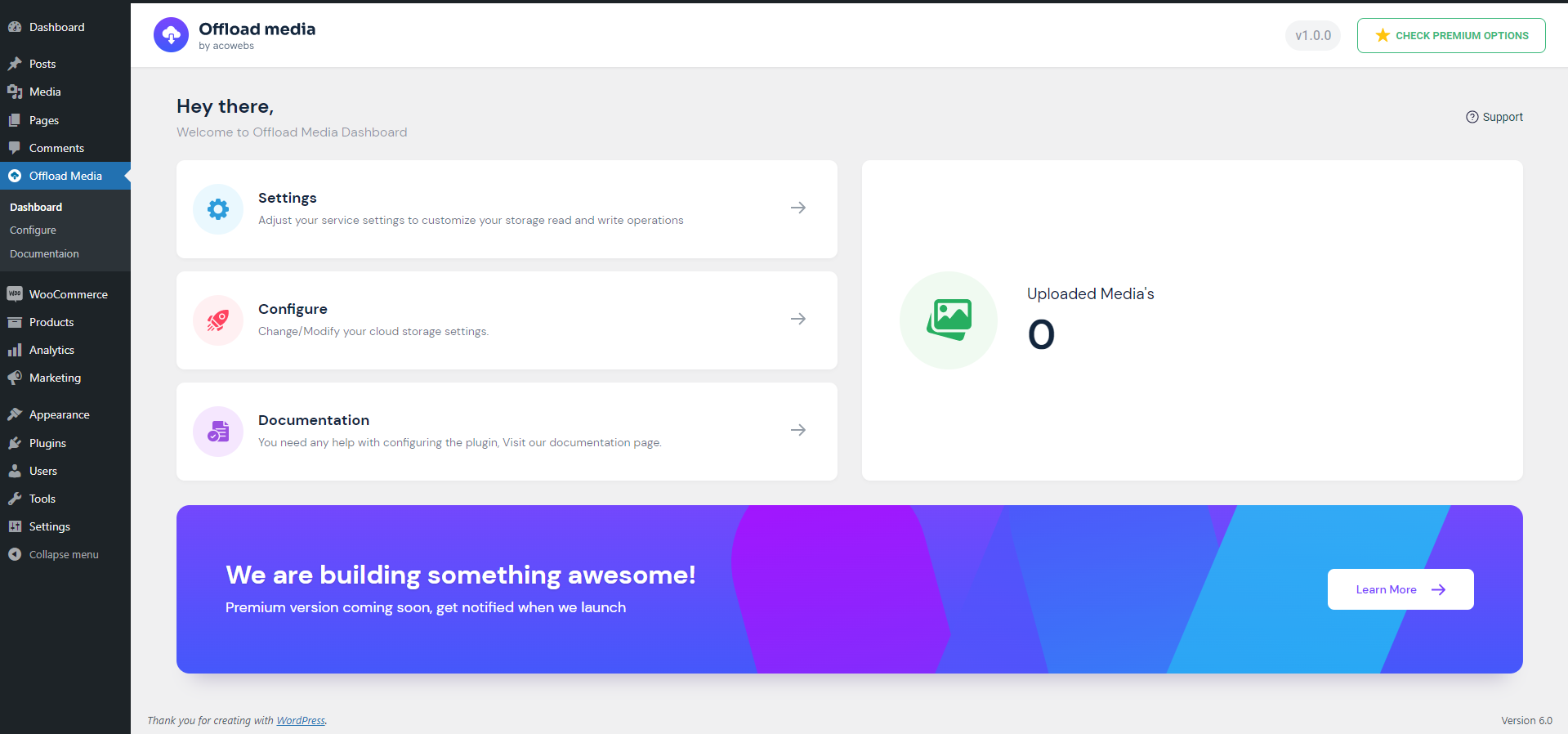
Dashboard

Settings for uploads, URL rewriting, CDN and pre-signed URLs
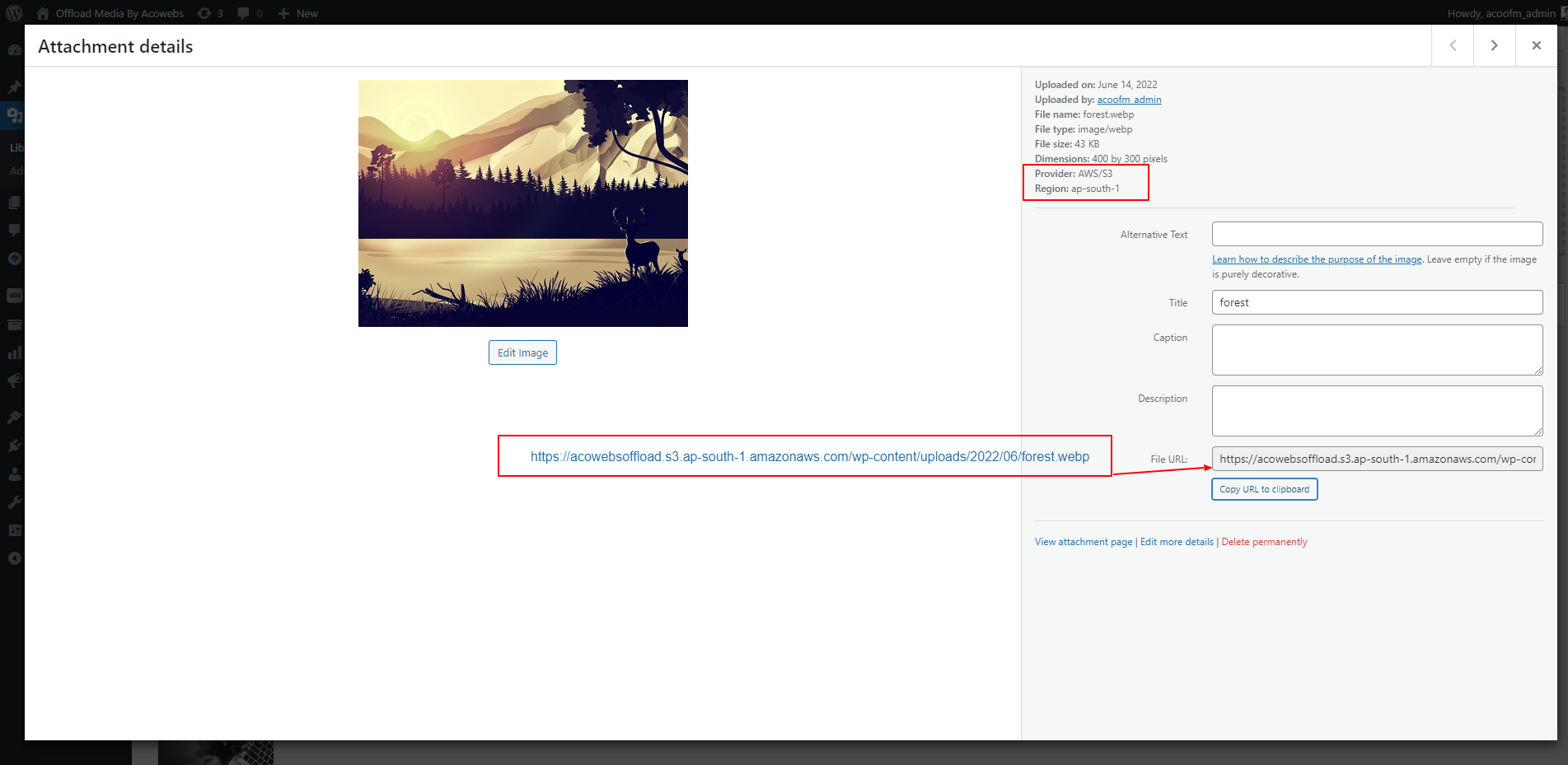
Offload details of an uploaded attachment
Plugins semelhantes


Adicionar do servidor is designed to help ease the pain of bad web hosts, allowing you to upload files via FTP or SSH and later import them into WordPress.

Enhances the Media Library; powerful gallery and list shortcodes, full taxonomy support, IPTC/EXIF/XMP/PDF processing, bulk/quick edit.

Add a Default Featured Image for all posts & pages.

Renomeie arquivos de imagem e metadados de mídia, para otimização de SEO e organização. Usando IA, manualmente, em lote ou de várias outras formas!

The elegant lightbox built for photographers. Fast, responsive, and displays your photos beautifully with EXIF data and maps. You'll love it! 💕
Do mesmo author (acowebs)

WooCommerce checkout field editor and manager helps to manage checkout fields in WooCommerce

Create custom product labels and sale badges for WooCommerce products to highlight offers and promotions.

WooCommerce Deposits and Partial Payments Plugin helps customers to make payments for the products they buy using a partial payment or a deposit.

The Dynamic Pricing With Discount Rules plugin enables bulk discounts for WooCommerce products. Its simple design allows easy setup in minutes.

Generate professional PDF invoices, packing slips, shipping labels, and delivery notes for WooCommerce orders with customizable templates and automate …